User Guide
Metadata Editor User Guide
It’s main purpose is to make metadata editing simple and thus this guide also will be simple.
Key information
Editor works best with one asset at a time but you can use it to apply same metadata to multiple assets as well.
Edit metadata of an asset
1. Opening the editor.
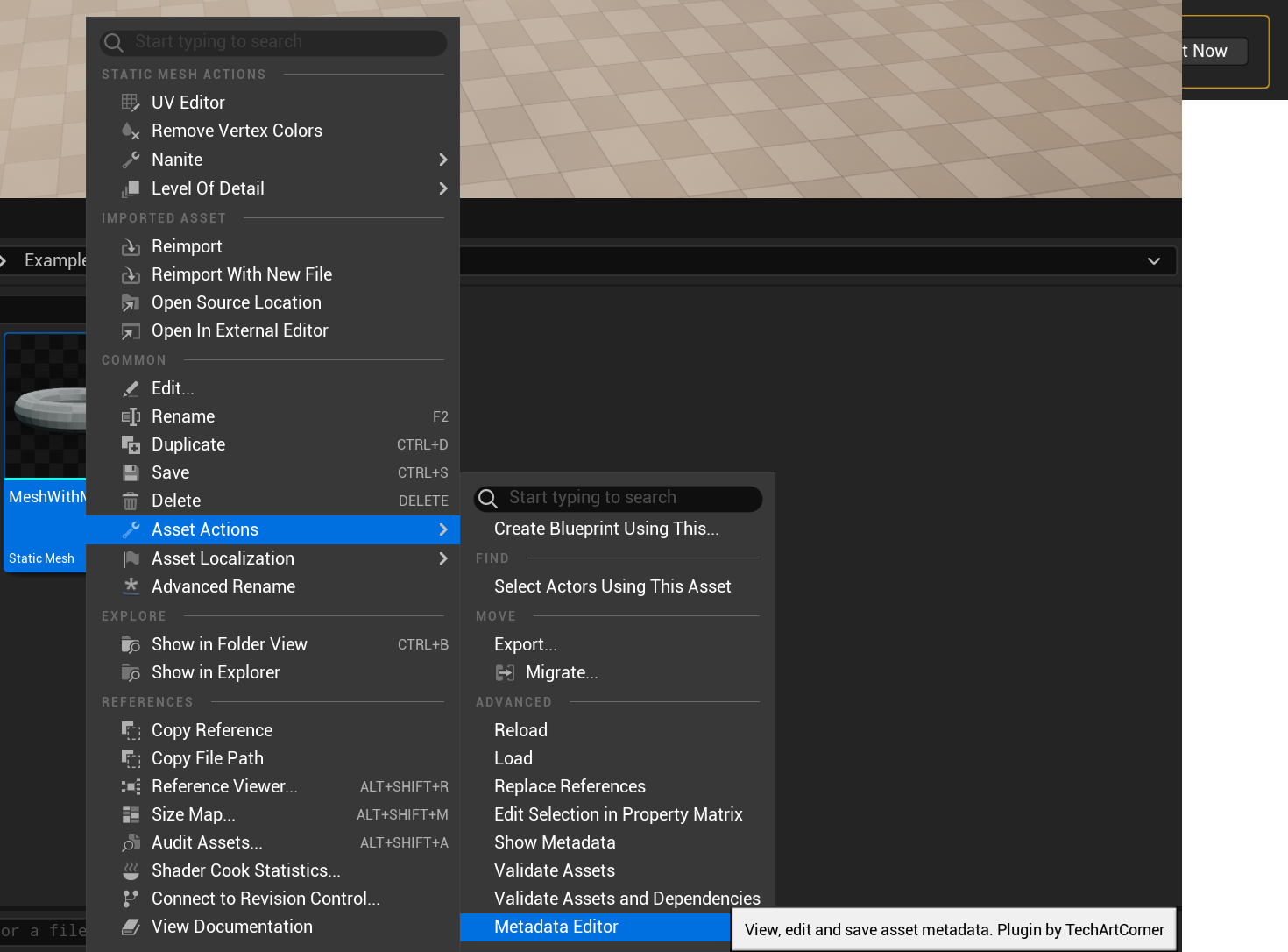
- Pick an asset of choice in Content Browser and Right Mouse Button on it.
- Navigate to Asset Actions -> Metadata Editor
2. Editing.
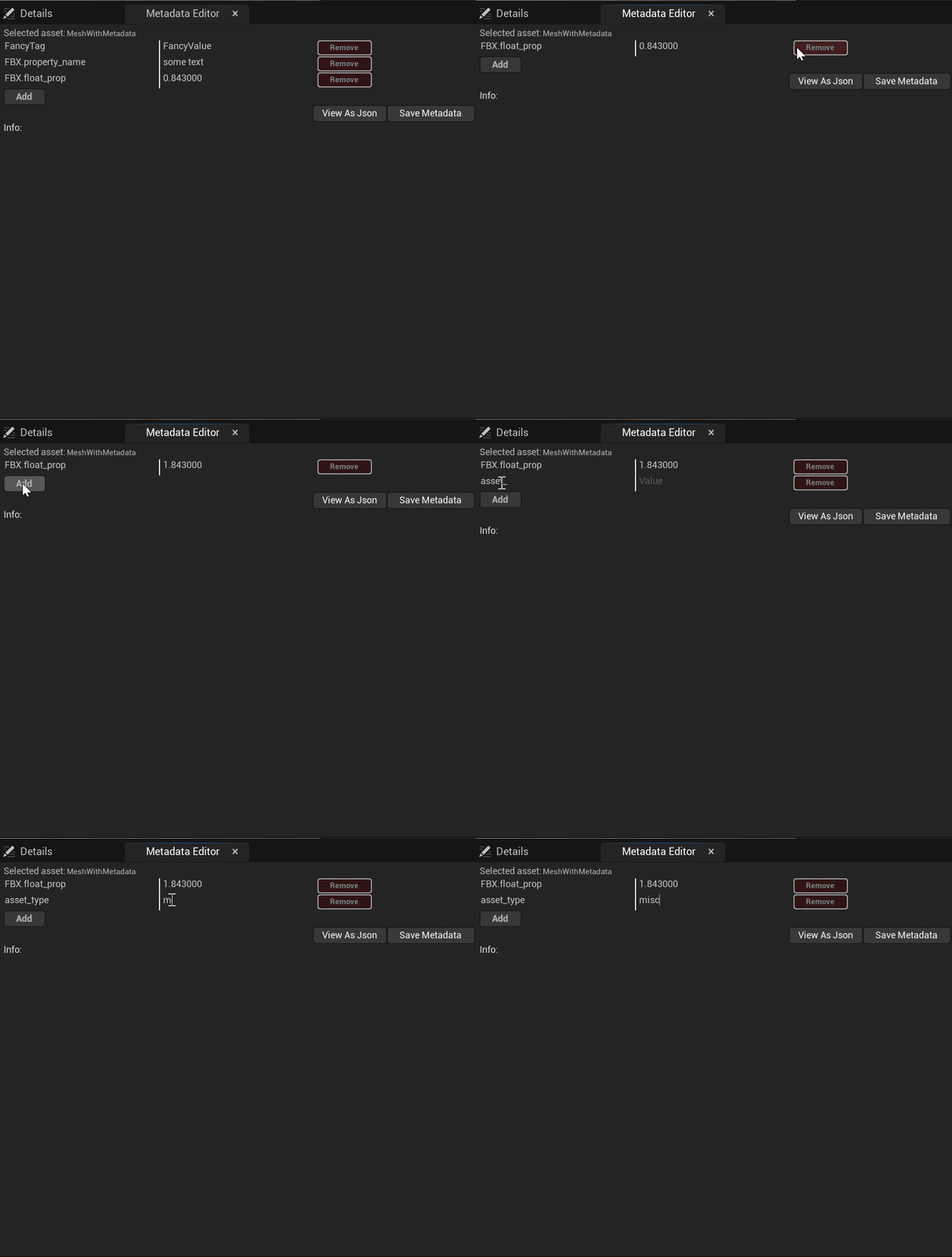
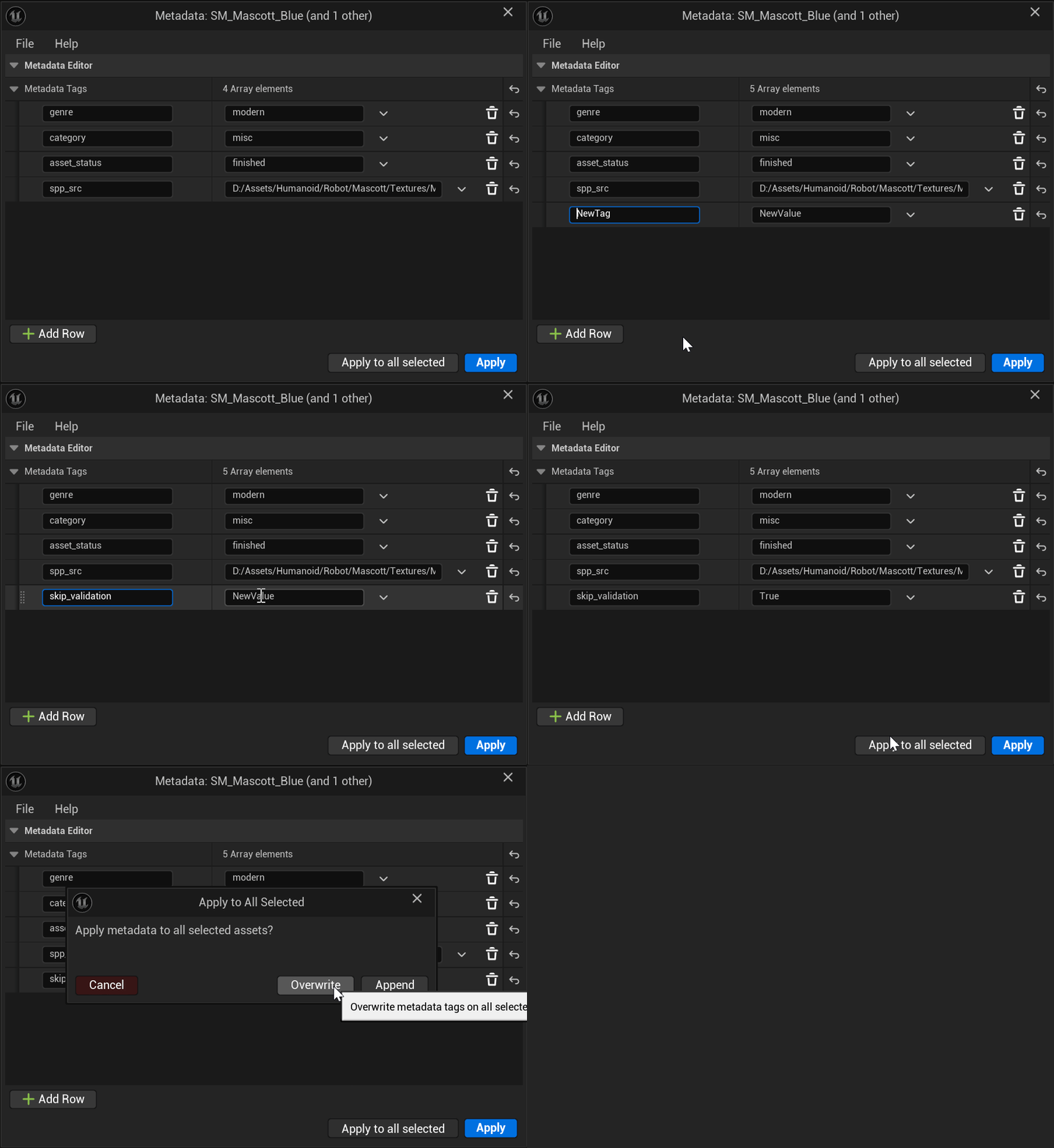
Add, remove and edit metadata rows as you wish. You changes will only take place if you save them with Apply button.
3. Multiple assets.
If you selected multiple assets before opening the editor, the editor will show only one main asset in the view.
You can still choose to apply your changes to all selected assets though. Choose one of two modes:
- Append - It will not remove any tags. It may overwrite tags if selected asset had same tag names as the ones that you are applying.
- Overwrite - Will remove all tags from assets before applying changes from editor. This way all assets will end up with same metadata.
4. Additional features.
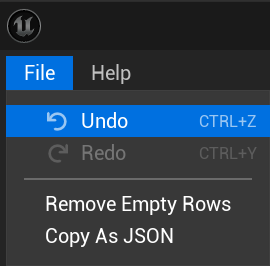
Undo
Undo / Redo is fully supported in rows editor. However, setting metadata tags is not undoable. The good news is that all edited assets will be marked as Dirty in the editor and you can always revert the changes by reloading asset from drive or version control system.
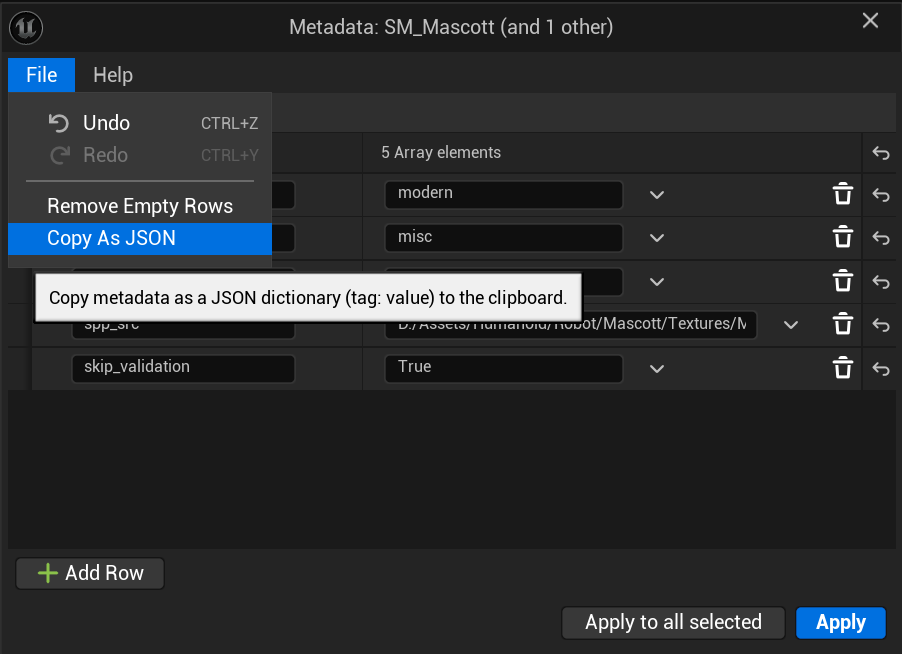
Copy / Paste JSON
You can copy all tags visible in editor to clipboard as JSON. Pasting is also possible!
Pasting JSON will add new keys and override existing ones but it will not remove already existing keys that are not part of the json. Your changes are safe.
Basic validation
The editor has basic validation that makes sure you don’t:
- Leave any values without tag assigned
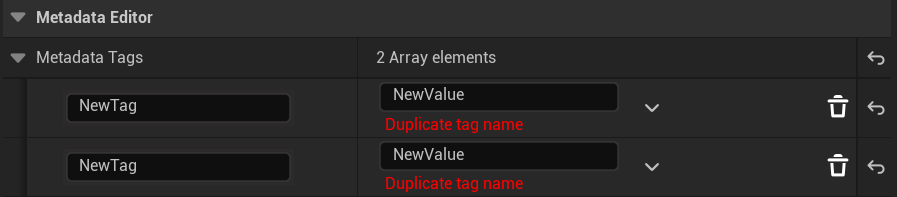
- Have any duplicate tag names
- Exceed tag length limit (1023 characters)